
MGM Game – MGM APK Download, Login and MGM APP Guide

| Name: | MGM Game |
|---|---|
| Version: | V.1.5 |
| Size: | 21.11 MB |
| Bonus: | RS.200(T&C) |
| App Link: | Download |
What Is MGM Game?
MGM Game is a search term used by visitors looking for information about the MGM gaming platform and its related application. Before using any platform, users should review its available features, terms of service, eligibility requirements, and security policies.
The MGM Game experience may depend on the services offered through the relevant website or application. Always verify platform details through a trusted source rather than relying on unverified claims.
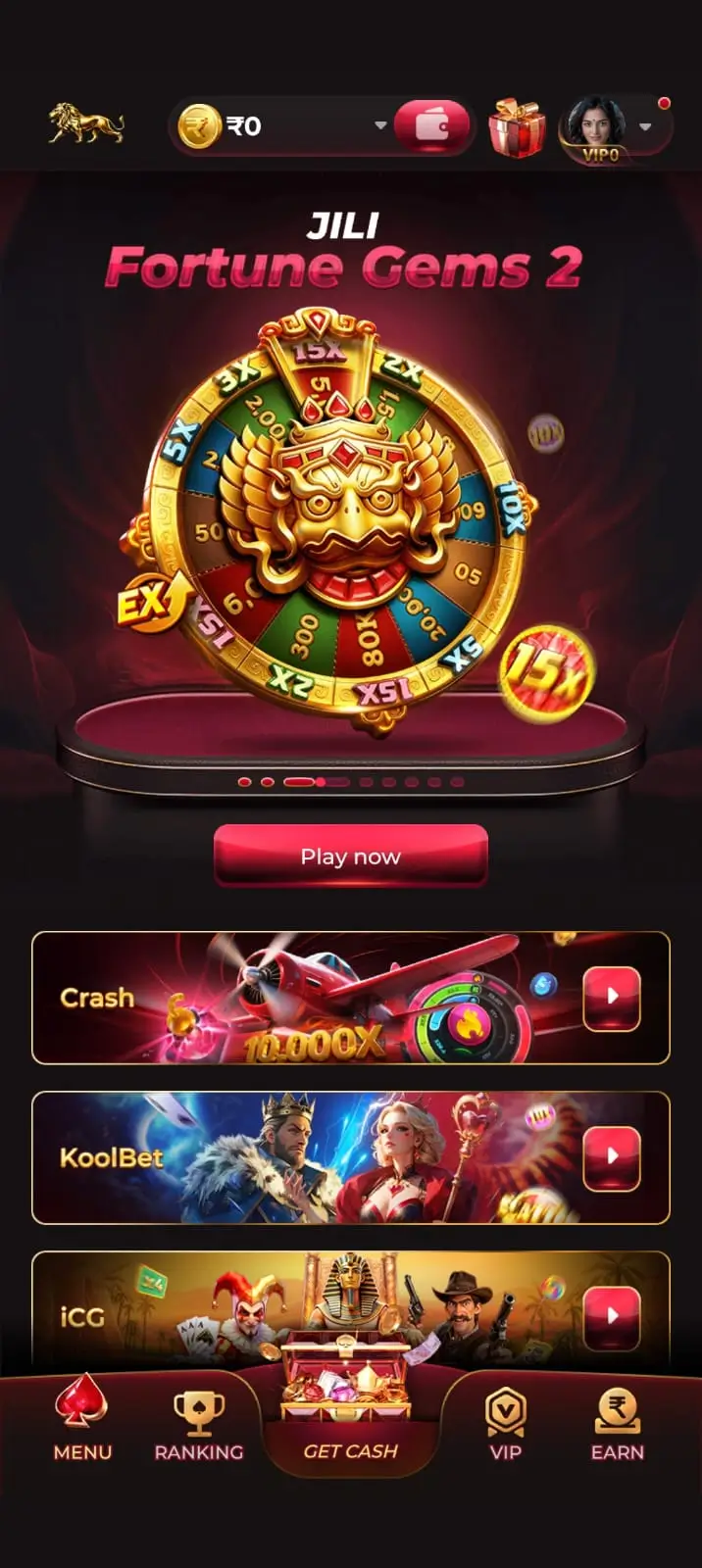
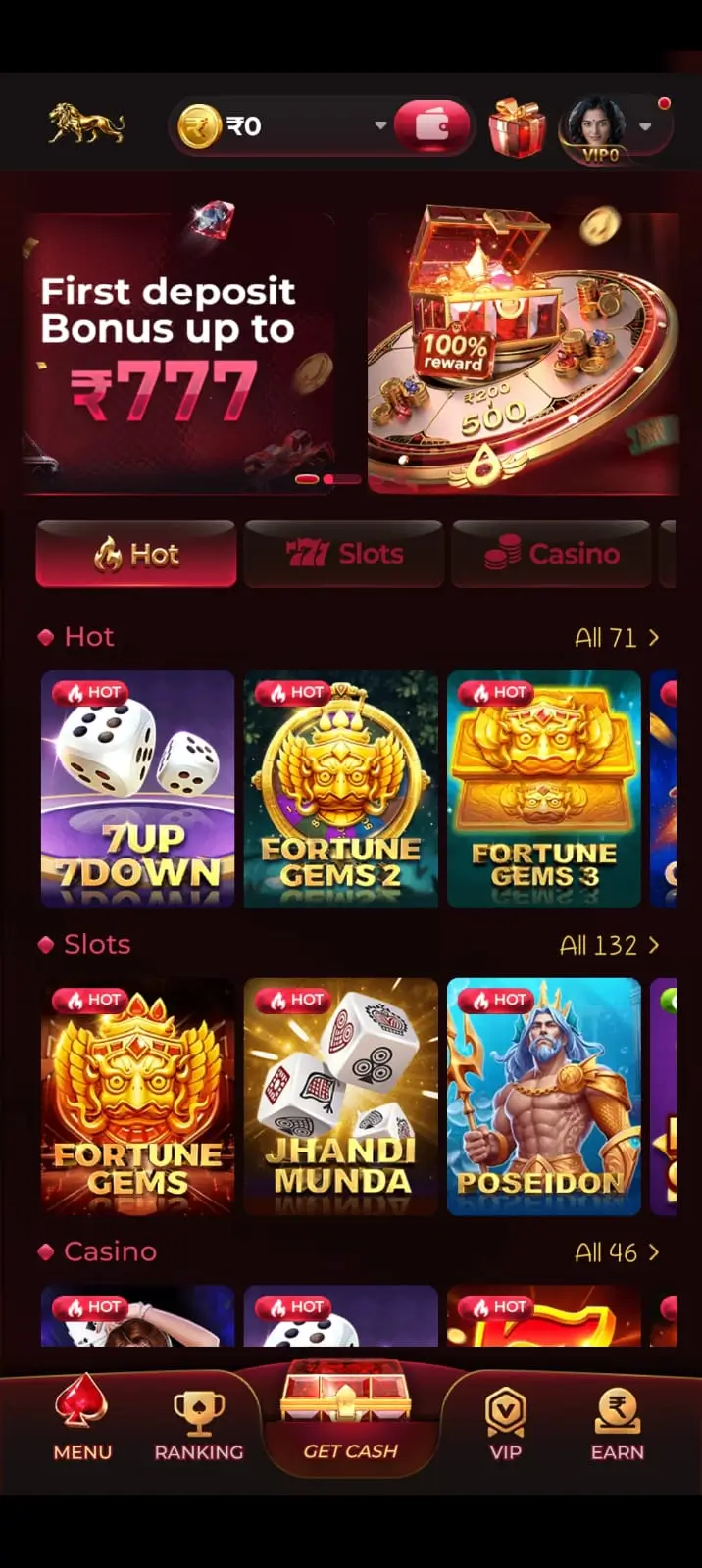
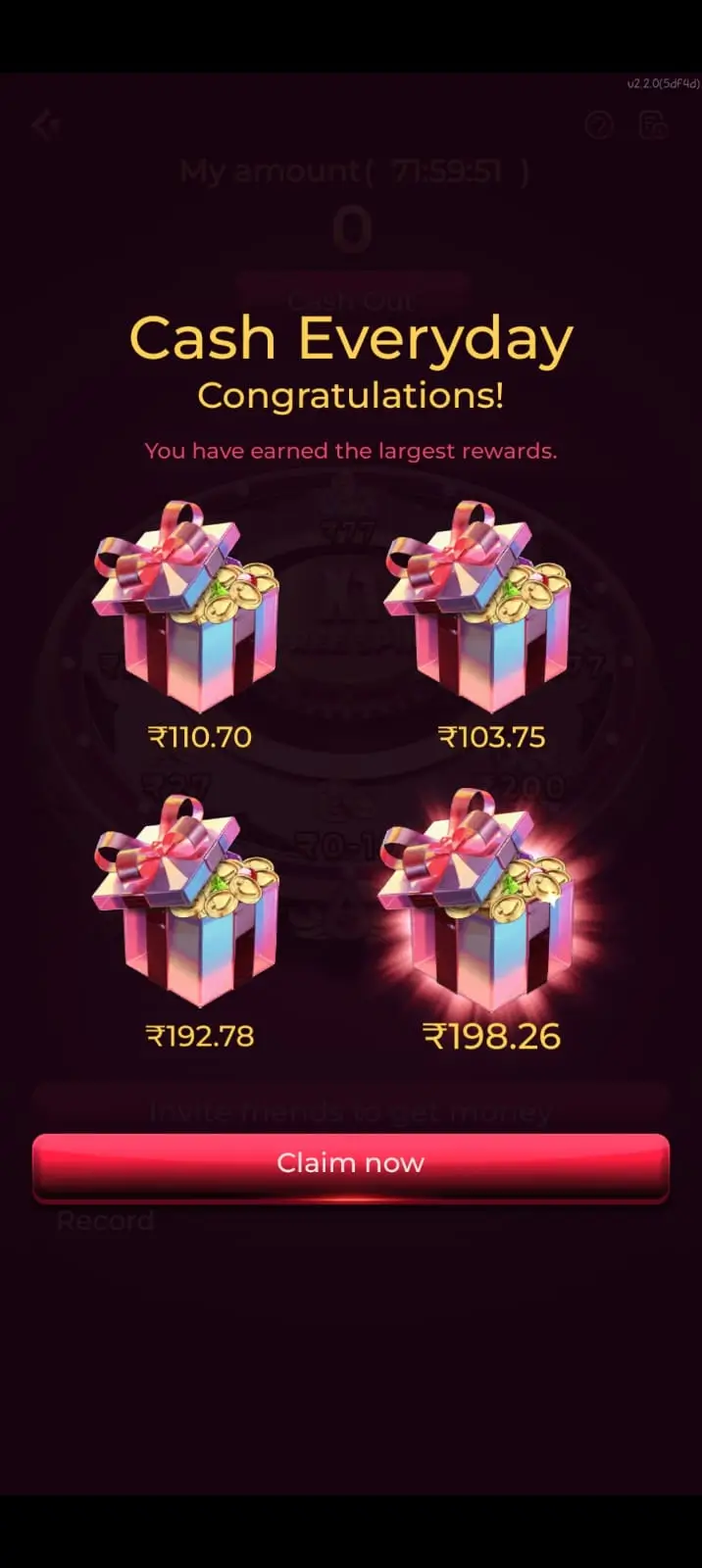

MGM APK Download Information
MGM game download — since the app is shared as an APK file rather than being on the Play Store, getting it set up takes a quick manual step. Here is how the process normally goes:
Open Google Chrome on your phone.
Search for “MGM” or “mgm game” and head over to mgm.com or https://mgmin.in/
Download the latest APK file onto your device.
Allow installation from unknown sources in your phone settings if prompted.
Install the APK, open the app, and register using your mobile number.
Before you download or install any APK file, it’s always worth double-checking the link so you know you’re getting it from a trusted spot.
Key Features & Main Highlights
MGM App Login and Registration Process
How to Install MGM APK
If you have obtained the MGM Game APK from a verified source, check the file details before you install latest Android MGM APK on your device. Android may restrict applications from outside its official app store. Do not disable security protections for an unknown or suspicious file.
A basic installation checklist includes:
Confirm the source of the MGM Game APK.
Check the version and Android compatibility.
Review the requested permissions.
Follow the installation instructions from the verified provider.
Remove the file if your device displays a security warning you cannot verify.
These steps can help you make a safer decision when considering an Android application.
How to Withdraw Easily in MGM Game
Open the MGM Game app and tap Withdraw.
Enter your bank account or UPI details.
Enter your withdrawal amount.
Tap Withdraw to confirm.
Your request is submitted successfully.
Funds may arrive within 30–40 minutes, depending on processing.
Important Information Before Using MGM Game
The MGM name alone does not confirm the identity, legitimacy, licensing, or safety of a particular website or application. Verify the provider and any applicable authorization before using its services.
If the platform includes paid features, deposits, rewards, or real-money gaming, read the rules carefully, check local laws, and understand the financial risks. Never spend money you cannot afford to lose, and follow applicable age restrictions.
Conclusion
MGM, MGM Game, MGM APK, and MGM App are useful search terms for visitors researching the platform and its mobile application. This guide covers basic platform information, downloading precautions, installation checks, account access, and privacy considerations.
Before proceeding, verify the official source, review all applicable terms, and make responsible decisions when using online services. Keep your device updated and prioritize your personal information and digital security.
Frequently Asked Questions (FAQ)
1. What is MGM Game?
MGM Game is an Android mobile gaming platform featuring casual and card-style games inside a lightweight, easy-to-navigate interface.
2. What is MGM APK?
MGM APK is a fantasy game application distributed as an Android installation package file for mobile devices.
3. Is MGM Game available on the Google Play Store?
No, the MGM APK is not available on the Google Play Store; users search for mgm.in on Chrome to find information about it.
4. Is mgmin.in the official website?
No, mgmin.in is not an official website—it is used for informational and educational purposes.
5. How do I set a login password?
Open the MGM Game app, go to the Register or Profile/Account Settings section, enter your mobile number, verify it with the one-time password (OTP), and enter a strong, unique password to save your login credentials.
6. What should I do if I forget my password?
On the MGM Game login screen, tap Forgot Password, enter your registered mobile number, verify your identity using the OTP sent via SMS, and create a new password to regain access.
7. How can I contact MGM Game customer support?
You can reach out via email at mgmgame@gmail.com.